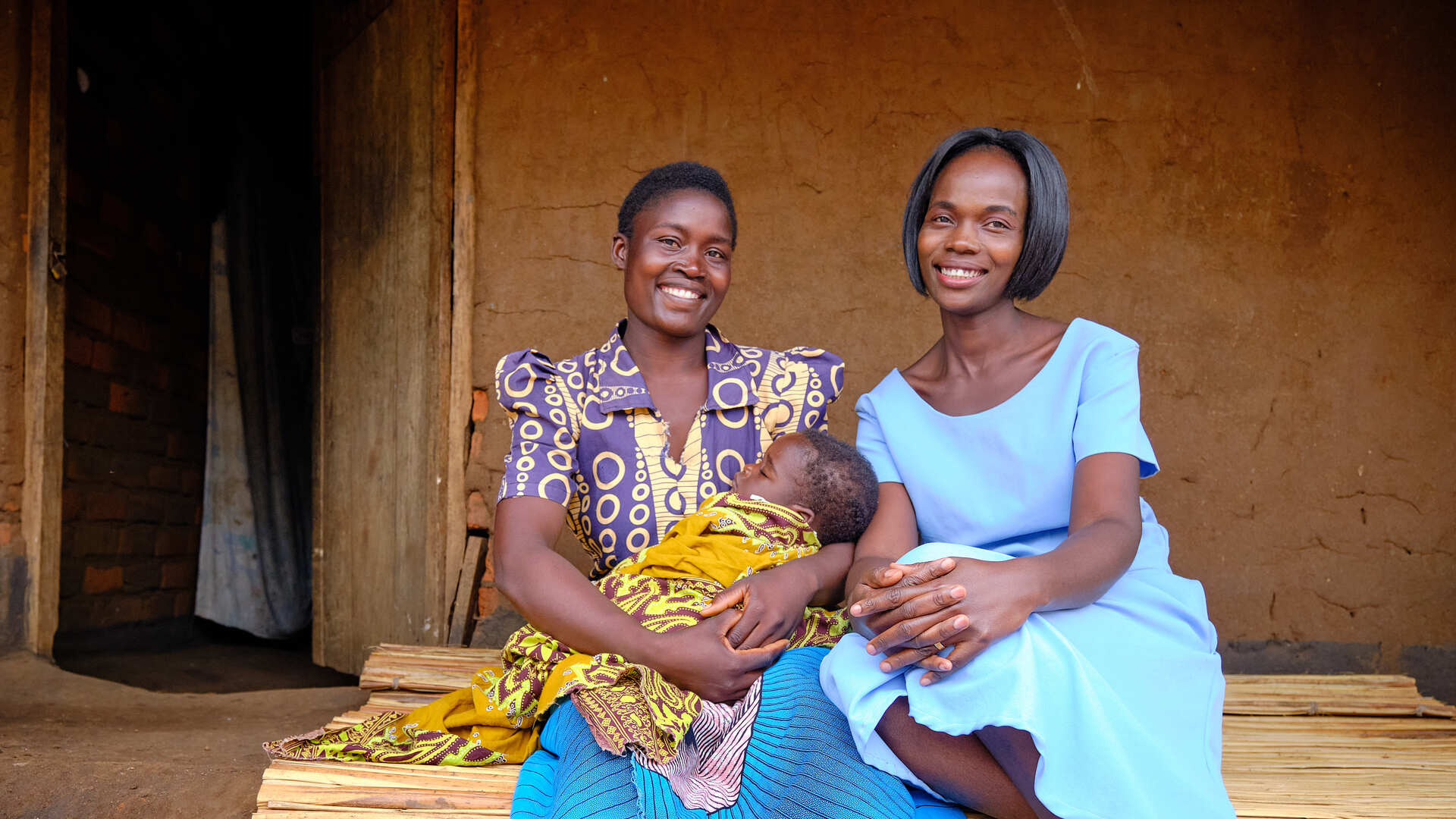
WHO prequalifies new oral simplified vaccine for cholera
Leading health agencies outline updated terminology for pathogens that transmit through the air
WHO announces Health for All Film Festival shortlist and jury
In world first, Nigeria introduces new 5-in-1 vaccine against meningitis
Advancing RSV surveillance and disease burden as part of an expanded Global Influenza Surveillance and Response System
Eighth meeting of the Working Group on Amendments to the International Health Regulations (2005)
Webinar: Clean air for public health - Assessing population exposure to air pollution
World Sepsis Congress: Unmet Need in Sepsis Diagnosis and Therapy
Webinar: Why and how to create an evidence gap map using sexual and reproductive health and rights as an example




.jpeg?sfvrsn=826d7380_5 "WhatsApp Image 2021-08-21 at 17.17.52 (3)")